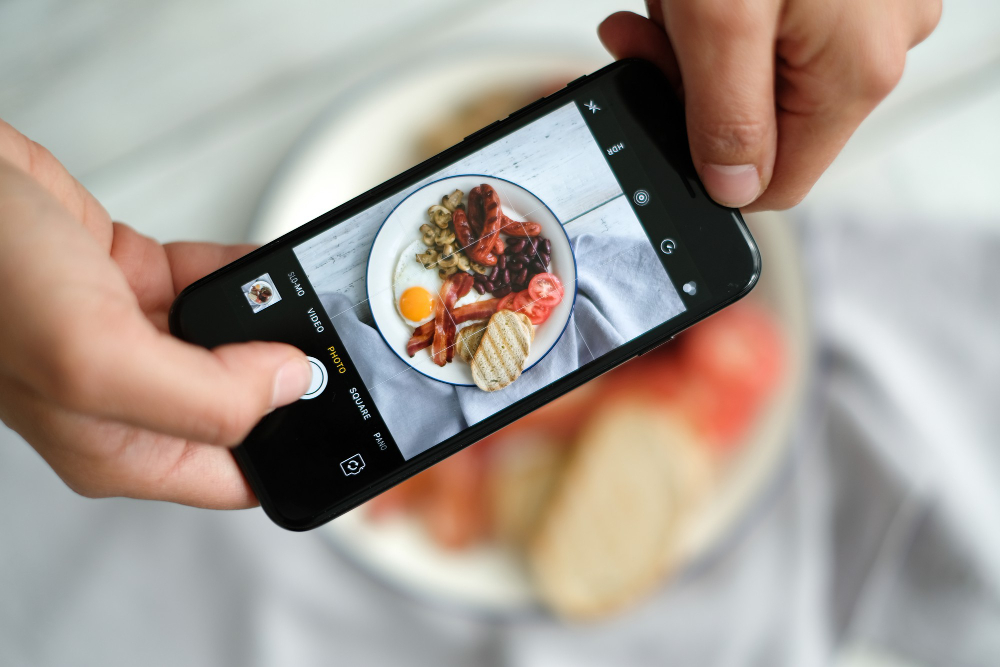
In today's digital era, smartphones have become an inseparable tool in daily life. Not only for communication, smartphones also have increasingly developed functions, including in the world of photography. With advancements in smartphone camera technology, you can now use your smartphone as an effective product photography tool. Here are some tips to optimize your product photo results using a smartphone.
1. Choose a Smartphone with a Quality Camera
As a first step, make sure you are using a smartphone with a quality camera. Look for a smartphone with high resolution, autofocus features, and the ability to take photos in RAW format. The better the specifications of your smartphone camera, the better the product photos you will produce.
2. Use Good Lighting
Lighting is a key factor in product photography. Ensure that the product you are photographing receives adequate and balanced lighting. If possible, use natural light from an open window or door. You can also use LED lights or studio lights to set the desired lighting.
3. Use a Tripod and Remote Shutter
Using a tripod and remote shutter can help reduce vibrations and shakes when taking photos, resulting in sharper and more stable images. A tripod also helps you in arranging the composition and angle of the photo.
4. Utilize Camera and Editing Apps
There are many camera and editing apps available in the market that can help you optimize your product photo results. Apps like Adobe Lightroom, Snapseed, and VSCO can be used to adjust exposure, contrast, saturation, and much more. Experiment with various apps and find the best one for your product photography needs.
5. Set Up a Simple and Clean Background
A simple and clean background will help your product stand out in the photo. Use a neutral-colored background, such as white or gray, to highlight your product. You can also use a paper backdrop or fabric that is easy to find and inexpensive.
6. Experiment with Composition and Angles
Don't be afraid to experiment with the composition and angles of your product photos. Try different angles and distances to find the most interesting and captivating look for your product. Remember to maintain a balance between product details and the overall appearance of the photo.
By following the tips above, you as a business owner or MSME actor will be able to produce high-quality product photos using your smartphone. Start experimenting and find a unique and appealing product photography style for your brand. Good luck!
Want to learn more about product photography using a smartphone to support your business?
Join our class at Taalenta designed specifically for business owners and MSMEs who want to improve the quality of their product photos. Register now and optimize your product's appearance using just your smartphone!