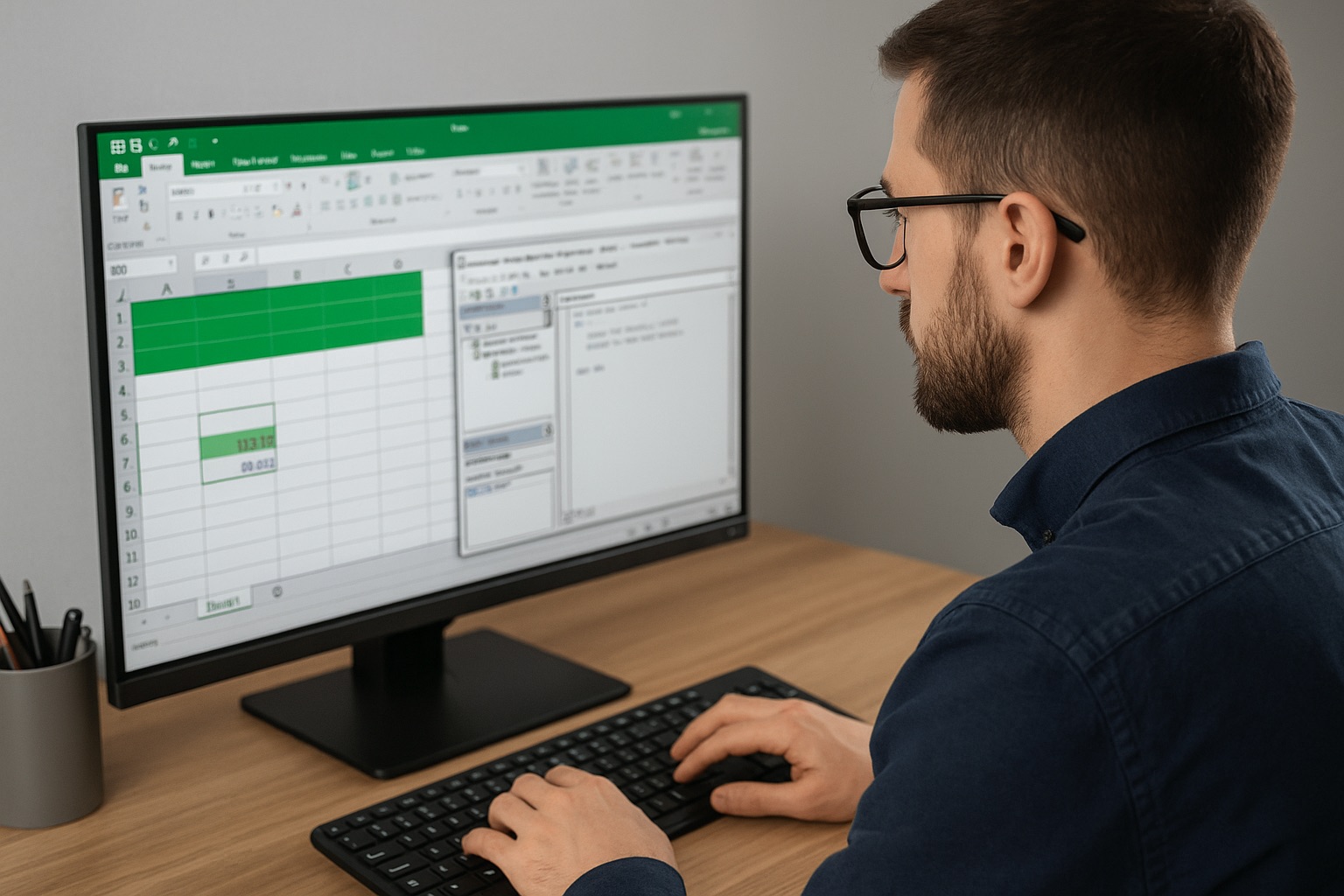
In a work environment that increasingly relies on efficiency and speed, the ability to automate routine tasks becomes essential. One tool that can assist in this regard is Macro VBA (Visual Basic for Applications) in Microsoft Excel. With VBA, users can create scripts to automate various processes, from data processing to report generation.
Macro VBA allows Excel users to:
- Automate Repetitive Tasks: Such as formatting data, generating reports, or copying information between worksheets.
- Create Custom Functions: If built-in Excel formulas are insufficient, VBA allows for the creation of custom functions tailored to specific needs.
- Enhance Interactivity: With VBA, users can create user interfaces like input forms that improve the user experience.
By mastering VBA, users can enhance work efficiency, reduce manual errors, and expand Excel's capabilities in managing data.
Initial Steps to Learn Macro VBA
For beginners looking to start learning Macro VBA, here are some initial steps to follow:
- Activate the Developer Tab: To access VBA features, activate the Developer tab in Excel.
- Use the Macro Recorder: Start by recording simple macros to understand how VBA works.
- Learn the Structure of VBA Code: Understand the basics of writing VBA code, such as using variables, loops, and conditional statements.
- Explore with Small Projects: Try creating small projects, such as automating report formatting or creating data input forms.
With consistency and practice, your ability to use Macro VBA will develop, opening opportunities to enhance productivity and efficiency in daily work.