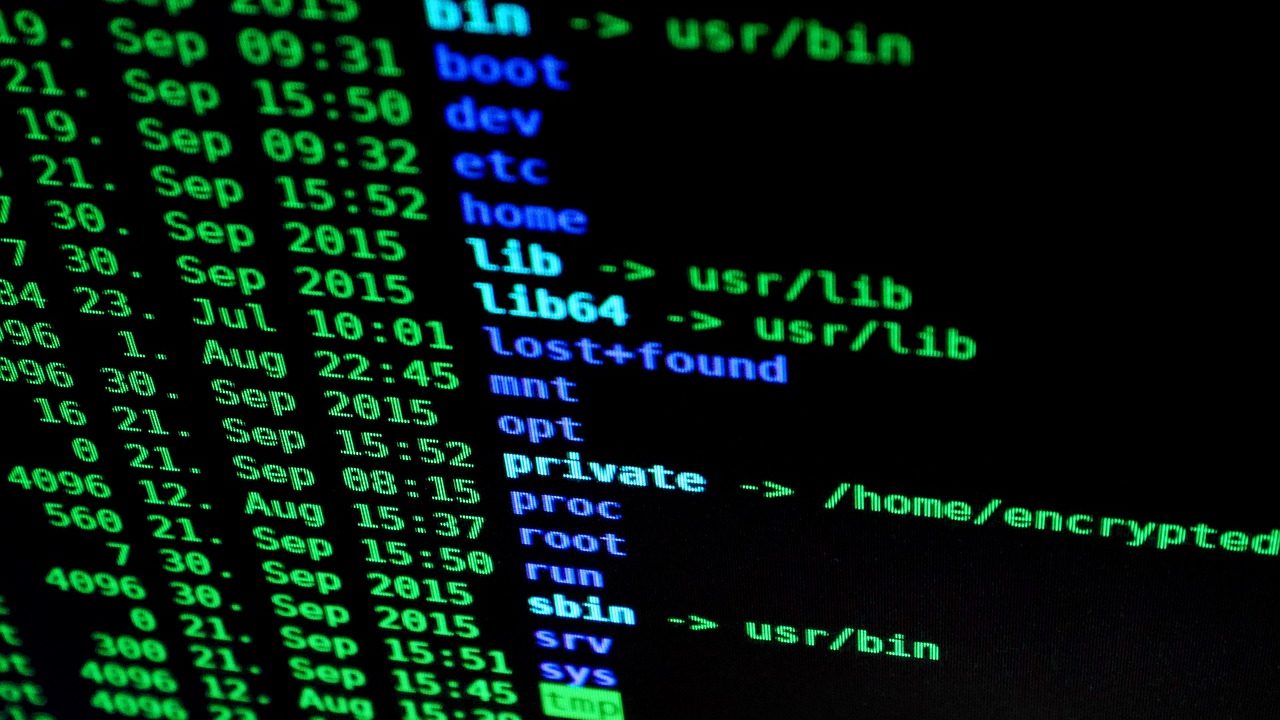
There is a fact that often surprises people who are new to the IT world: almost all servers on the internet run Linux. Not Windows, not macOS. Linux. From cloud computing on AWS to the fastest supercomputers in the world, from network routers to the Android smartphones in your pocket, everything is based on Linux. This "unfamiliar" operating system turns out to be the backbone of global digital infrastructure.
Paradoxically, the majority of computer users in Indonesia spend their workdays on Windows, an operating system that is actually a minority in the real-world server infrastructure. For anyone looking to build a career in IT, whether as a system administrator, cloud engineer, DevOps, or even software developer, not knowing Linux means there is a significant blind spot that will sooner or later hinder your career.
Linux: More Than Just an Alternative Operating System
Many position Linux as a "free alternative to Windows," a technically correct understanding but one that oversimplifies. Linux is a mature ecosystem that has been around for over 30 years, with thousands of distributions (distros), each designed for different specific needs.
Ubuntu is suitable for beginners and everyday desktop use. Debian is known for its stability and is widely used as a server. Kali Linux is specifically designed for penetration testing and cybersecurity. Red Hat Enterprise Linux (RHEL) is the corporate standard for enterprise deployment. Arch Linux is chosen by power users who want complete control over their systems. Alpine Linux is used in containers due to its very small size.
Each of these distros is Linux but with different philosophies, target users, and package ecosystems. Understanding this landscape is the first step before choosing which one best suits your needs.
Why the Command Line Feels Intimidating (and Why That's Wrong)
For those accustomed to the graphical interfaces of Windows or macOS, the Linux terminal feels like stepping back into the era of old computers. A black screen, white text, no clickable icons. It's understandable that this feels intimidating.
But in reality, the command line is not a drawback of Linux; it is its strength. With a single line of command, a system administrator can manage thousands of servers simultaneously. With simple scripts, processes that require hundreds of clicks in a graphical interface can be automated to mere seconds. The precision offered by the command line has no equal in any graphical interface.
And the truth is, the basic commands of Linux are not that many. For everyday needs, a few dozen basic commands are sufficient, and learning them is much faster than one might think. In two intensive sessions, someone who has never touched a terminal can already navigate the filesystem, manage files and directories, understand the permission system, and run applications from the command line.
What You Will Learn: From Installation to Practical Operations
The Basic Linux class at Taalenta is designed for two compact but structured days. The first day focuses on conceptual understanding: what Linux is, how its history evolved from Linus Torvalds' hobby project in the early 1990s into the foundation of the modern internet, and getting to know the various distros along with their characteristics. It concludes with a practical session on installing Linux, both on a virtual machine (for those who want to try without altering their main laptop) and as a full operating system.
The second day is a more intensive hands-on session: accessing and navigating the command line, managing files and directories (creating, copying, moving, deleting, changing permissions), and an introduction to office applications in Linux such as LibreOffice, which can handle documents, spreadsheets, and presentations in formats compatible with Microsoft Office.
These two sessions are a solid entry point to begin further exploration independently or a foundation for advanced classes in system administration, networking, or cybersecurity.
Linux in the Workplace: Closer Than You Think
Someone working as a web developer might think Linux is not their concern, just coding on Windows, deploying to hosting, and done. But when an SSH connection to a server is needed for troubleshooting, or when an automated deployment script needs to be created, or when Docker containers need to be managed in a production environment, suddenly Linux becomes very relevant.
A data analyst working with large datasets will find that Linux tools like awk, sed, grep, and their pipe command combinations can process millions of lines of data much faster than Excel. A network engineer managing Linux-based routers needs to understand the filesystem and system configuration for effective troubleshooting.
Even for non-technical users, Linux offers independence that Windows does not: no bloatware, no disruptive forced updates, no licensing fees, and complete control over the system being used. In an era where digital security is increasingly critical, the ability to manage and understand an operating system in depth is a real asset.
Relevance for Students, Graduates, and Professionals
The Basic Linux class is suitable for anyone looking to add Linux to their skillset, regardless of their current background. Computer Science or Information Technology students who want to be better prepared for operating systems courses. IT fresh graduates who want to appear more competitive in the eyes of recruiters. Professionals working in technology-related fields who want to eliminate their Linux blind spots.
The prerequisites are minimal: a laptop, internet connection, and Zoom. There is no need to install Linux beforehand; that is part of what will be learned in class. No prior programming background is necessary.
The expert for this class, Fijaya Dwi Bima Sakti Putra, is an IT Lecturer with an academic background in Computer Engineering. As a practitioner who combines theory and field experience, his teaching approach focuses on practical Linux knowledge rather than just difficult-to-digest theory, but on understanding that can be directly applied.
In a world where digital infrastructure is built on Linux, not knowing this operating system is an increasingly costly deficiency as careers develop. Two well-spent days can open doors to understanding that were previously closed. Check the schedule for the next Basic Linux class on the Taalenta class page.
References:
- The Linux Foundation – 2024 Annual Report: State of Linux → linuxfoundation.org
- Stack Overflow – 2024 Developer Survey → stackoverflow.com
- Red Hat – The State of Enterprise Open Source → redhat.com